Developer ToolsInstant
JSON Formatter
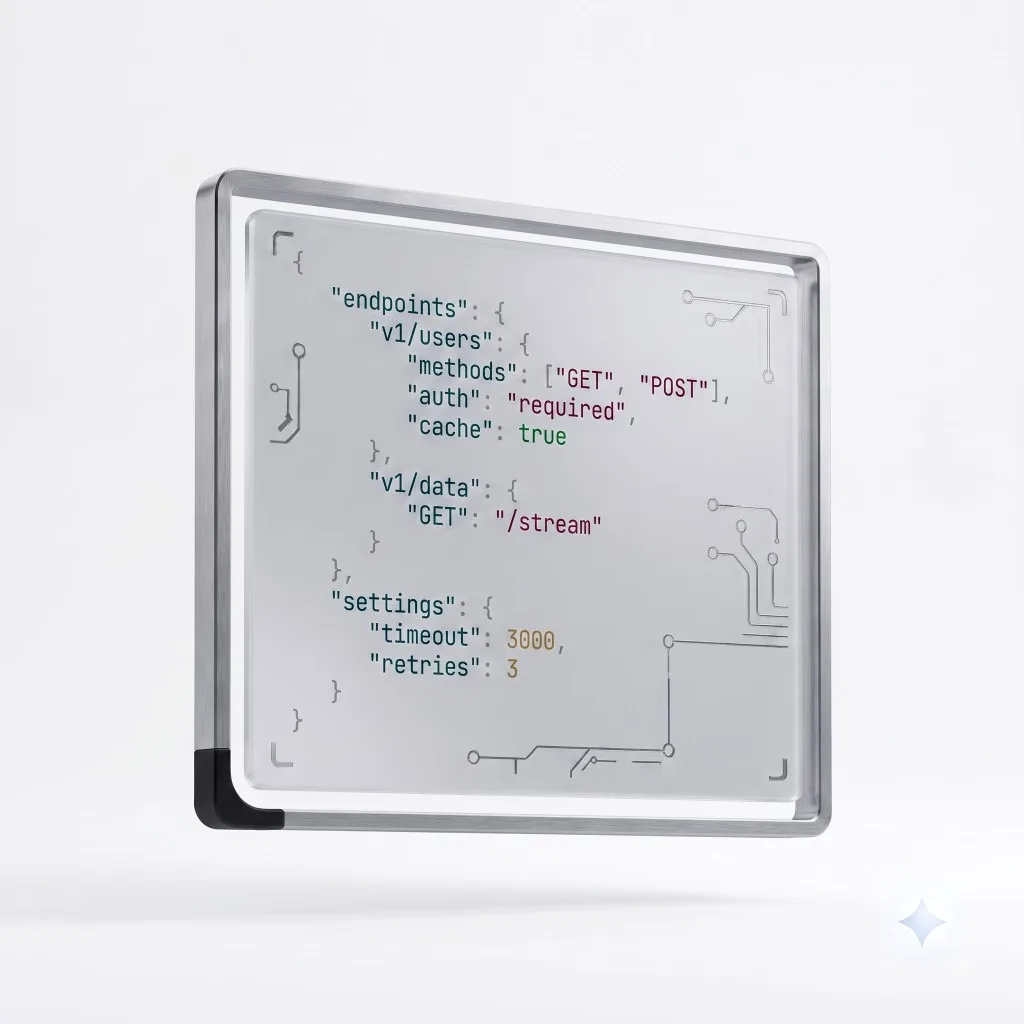
Format, minify and validate JSON instantly. Paste messy JSON and get clean, readable output.
Examples
See what this tool can do.
Make an API response readable
Paste a compact API payload and format it into clean, indented JSON.
Shrink JSON for shipping
Minify a config file to the smallest valid form.
Tips & tricks
Get the most out of it.
- 1A precise error message means invalid JSON — check the reported position.
- 2Minify before embedding JSON in code or URLs.
- 3Formatting doesn't change your data, only its whitespace.
Advertisement
About JSON Formatter
What this tool does
JSON Formatter prettifies, minifies and validates JSON, pointing to the exact line when something is wrong.
How to use it
- Paste your JSON.
- Choose Format (pretty) or Minify.
- Copy the result, or read the error to fix invalid JSON.
How it works
The tool parses your text with the browser's native JSON engine, then re-serialises it with indentation or without whitespace. Parse errors are surfaced with their position.
Important considerations
- Validates standard JSON; it does not evaluate JSON5 or JavaScript object syntax.
Privacy
This tool runs entirely in your browser. Nothing you enter is uploaded to a server.
Related tools
Frequently asked questions
Common causes are trailing commas, single quotes, or unquoted keys. The error points to where parsing failed so you can fix it.